
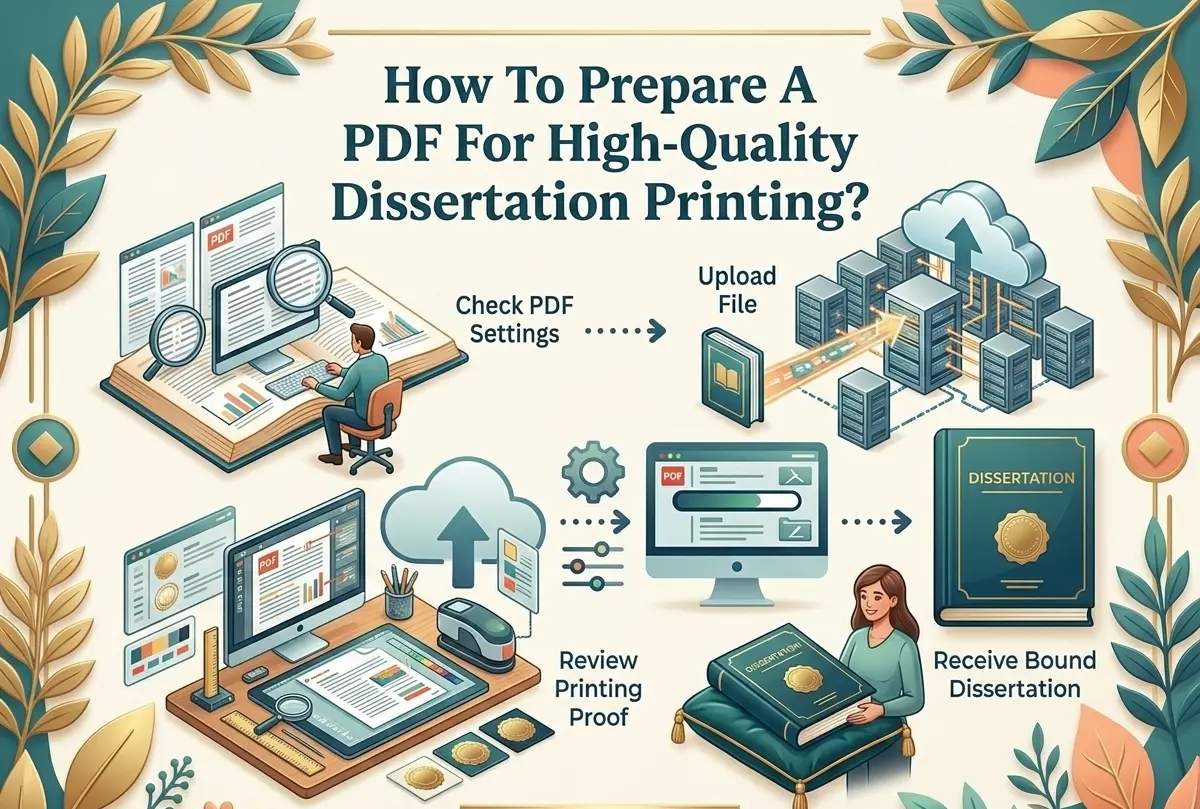
How To Prepare A PDF For High-Quality Dissertation Printing?
A university dissertation is the proof of a student’s months of hard work and effort. Dissertation PDF printing is an important final step that ensures your research is presented in a clear and professional format. But writing, editing, and proofreading the thesis isn’t enough. The final chapter of bringing that document to a polished, professional state requires equal effort.
This phase of a student’s life is often the most stressful one. This is where they struggle to bring their research findings into a well-written document. Poor formatting, low-resolution images, or incorrect PDF text can often lead to faded graphics and layout issues. So, what is the right way to prepare the PDF before sending it for printing? Keep reading to know more!
Why Proper PDF Preparation Matters?
Dissertations are valuable academic documents. They are treated with high prestige and are often archived, evaluated, or displayed in the university libraries. Common printing errors, such as misaligned margins, the use of unusual fonts, or the addition of pixelated images, can affect the final presentation of the document.
Preparing the PDF helps with
- Maintaining consistent formatting across all devices
- Ensuring crisp texts and images
- Avoiding printing delays or reprints
- Meeting university submission guidelines
- Achieving a publication-quality finish
To ensure accurate displays of documents, most of the students choose to work with professional print and binding services.
The Right Way To Prepare A PDF For Printing
Here is how you can prepare a PDF to print it with full confidence!
1. Follow The University Formatting Requirements
Before working on a PDF, you need to review your institution’s dissertation guidelines. Most of the universities already specify,
- Page size (usually A4 or Letter)
- Margin requirements ( they are often wider on the binding side)
- Font type and size
- Line spacing ( typically 1.5 or double)
- Page numbering format
- Binding preferences
Neglecting these requirements often results in rejections, which are a nightmare for students.
2. Choose Readable Fonts
Most of the fonts that look good on screen do not print well on PDF. A dissertation needs fonts that are legible and look great on the paper. Make sure to avoid decorative or uncommon fonts for body text.
Recommended fonts include,
- Times New Roman
- Arial
- Calibri
- Garamond
Make sure to avoid decorative or uncommon fonts, especially for body text.
Pro tip: When exporting your research to PDF, enable font embedding. This practice ensures that your document prints exactly as it was designed, even if the printer’s system is not properly updated.
3. Check Image Quality And Resolution
Low-resolution images are among the most common problems in dissertation printing. Each chart, diagram, and photograph used should be of premium quality. A clear structure is necessary for a smoother reader experience. This ensures readers’ focus stays on your research rather than being distracted by errors.
Make sure to follow these image guidelines,
- The minimum resolution is said to be 300 DPI
- Preferred formats include PNG, TIFF, or high-quality JPEG
- Don’t add screenshots
4. Select The Correct Page Size And Margins
A proper layout ensures that the dissertation is easy to read. Incorrect page settings can often cause scaling issues during printing. So make sure to,
- Set the page settings to A4 (210×297) if it is recommended by your university
- Leave sufficient space on the left margin ( usually 3-4 cm) for binding
- Ensure that no text extends beyond the margin area
Before finalizing the file as a PDF, use the print preview icon to confirm that everything fits perfectly.
Remember, the appearance of your thesis will only matter if you have a great research study to present. Make sure to work with thesis writing services Toronto for a meaningful contribution in the field of research.
5. Convert To PDF Using Print-Quality Settings
Make sure to choose settings designed for high-quality printing.
- In Microsoft Word
- Click File and then Save As
- Select PDF
- Choose optimize for: Standard ( Publishing online and printing)
For other software, search for options such as
- High Quality Print
- Press Quality
- Print Optimized
6. Embed All Fonts
Font substitution can change spacing, line breaks, and the overall formatting of your document. To ensure that the fonts are embedded :
- Open Word, File, Options, Save, Check Embed fonts in the file
- Then export the file to PDF
Once you have saved the document, open the PDF and check for
- Text alignment
- Page breaks
- Table formatting
7. Check For Color Settings
You need to check the color settings if the dissertation includes color images or charts, so make sure to:
- Use RGB for standard printing unless the printer requires CMYK
- Colors are clear and readable when printed in grayscale
- Don’t use very light colors for texts and charts
8. Verify Page Numbers And Table Of Contents
Before finalizing your PDF,
- Check for the page numbering sequence
- Update the Table Of Contents
- Verify that hyperlinks are working correctly
Even minor numbering errors can create confusion during the evaluation process.
9. Proofread The Final PDF Version
Proofreading is an essential step ensure clarity and precision in the original document.
Check for,
- Spacing and alignment
- Header and footer placement
- Image clarity
- Table formatting
- Blank pages were required for double-sided printing
10.Test Print A Sample
Checking the sample is always necessary. Ignoring the need to do so can often lead to costly reprints. Make sure to always check for
- Misaligned images
- Missing page numbers
- Incorrect section spacing
- Margins and binding space
- Text closeness to the edges
11.Choose An Appropriate Binding Style
Choosing the right binding style plays a crucial role in the durability, usability, aesthetics, and costs of the documents. The most common options include,
- Thermal binding for a quick and professional-looking submission
- Wire/ Spiral binding for drafts and shorter projects
- Hardcover binding, which is the standard for final submissions
- Comb binding for a smooth page movement
FAQs
- What are the most common mistakes to avoid in the dissertation PDF?
The most common mistakes one needs to avoid are saving the PDF at low quality, embedding non-standard fonts, neglecting the margin requirements associated with binding, and not checking the final PDF before printing.
- What paper type is the ideal choice for dissertation printing?
80-100GSM paper is used in internal pages for a professional look. However, most students prefer a slightly thicker paper for a more high-end feel. Always begin by confirming the paper weight mentioned in your university guidelines.
- Can page borders or decorative elements affect printing quality?
Yes! Heavy borders close to the margins often get printed during the binding process. Use only a few decorative elements to avoid interference with the binding space.
Wrapping Up
Preparing a dissertation PDF is extremely essential for submitting a high-quality document. The process requires some extra attention and effort, but every part of this practice results in a polished, professional document that speaks to the credibility of your research. By following the university requirements, choosing readable fonts, selecting the right image quality, and proofreading the final version, you can submit your document in its best possible format.

Marc Hall has helped students in Canada to get their proper thesis and dissertation binding services. He understands the effort required to create each page, and he makes sure that all work receives excellent presentation. At Thesisbinding.ca, he has created informative articles and blog posts that guide readers through the entire binding process. Marc dedicates his free time to finding creative methods that will improve the thesis binding process for students by making it more efficient.